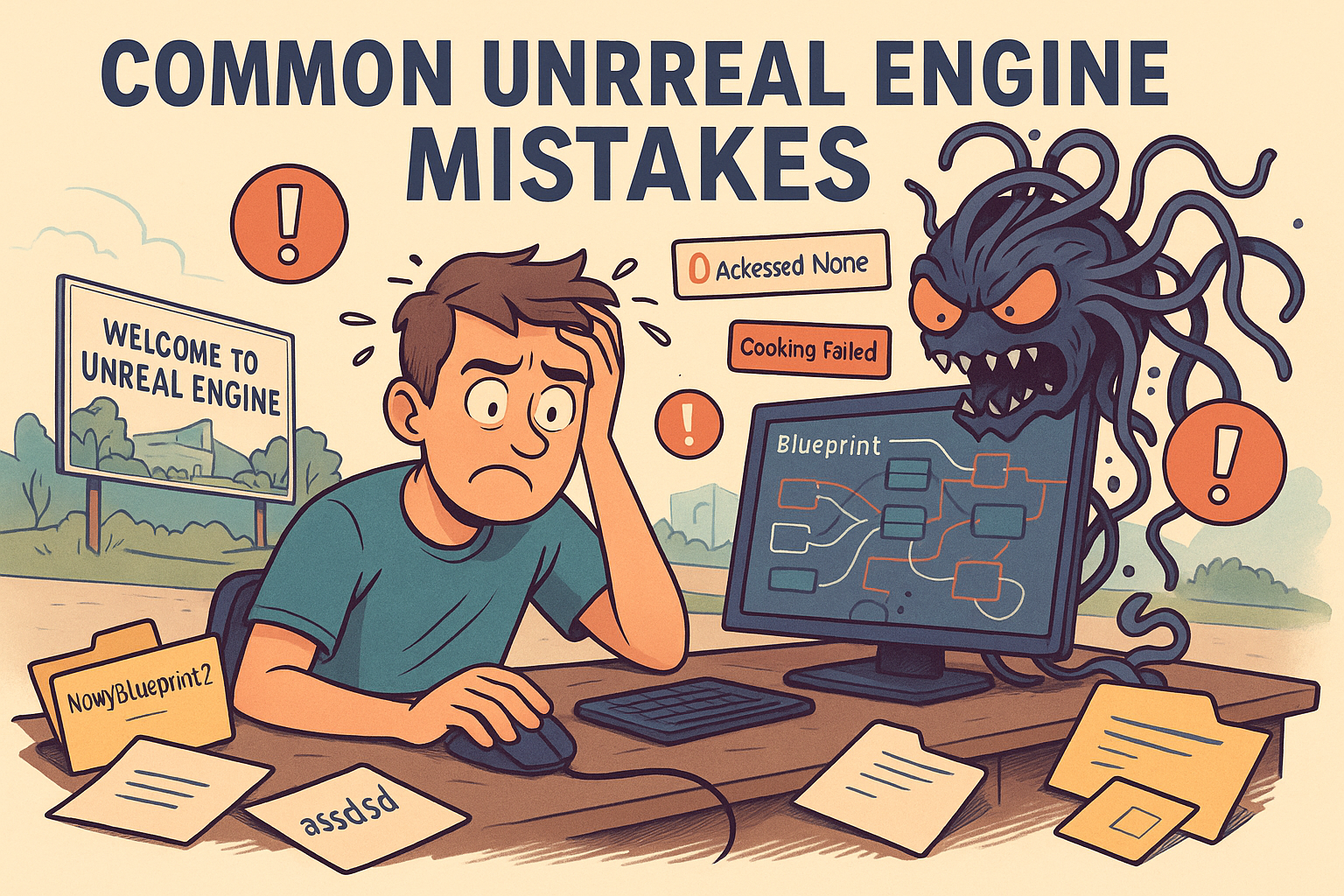

Getting into Unreal Engine is like stepping into a massive theme park with hundreds of attractions — everything looks exciting, every feature feels important — but that’s exactly why many beginners fall into the same traps. These common mistakes slow you down — or worse, derail your project entirely.
This article is your survival guide: five major mistakes, why they happen, and how to avoid them with real-world tactics and examples.
1. Overusing Blueprints Without Understanding Logic
What Happens?
Blueprints are visual, easy to use, and don’t require coding knowledge. Naturally, beginners love them. But over time, that logic you drag and drop turns into a mess of nodes. One small change can break everything.
Real-Life Example:
You build a door-opening system. Then you add a second trigger, a condition, a widget, maybe some animations… and suddenly you’ve got 60+ nodes in one Event Graph. It’s a nightmare to debug or extend.
How to Do It Better:
- Use Functions: Break down your logic into modular blocks.
- Create Macros and Custom Events: Keep your Blueprint’s main line clean and readable.
- Embrace C++ When You’re Ready: Use Blueprints for quick iteration, but consider writing core logic in C++ for better control and performance.
Mini Blueprint Rulebook:
✅ Use Blueprints for input, UI, and quick prototypes
✅ Move logic to C++ as soon as it gets complicated
✅ Always organize graphs with comments and naming conventions
2. Messy Project Structure
What Happens?
Early on, people toss everything into the root Content folder. File names like “NewBlueprint4” or “MapTest_OLD” stack up. It’s chaos—and it always gets worse with time.
Real-Life Example:
You have folders named Level1, Level01, TestMap, and FinalMap. All have some version of your game level… but which one is the actual one?
How to Do It Better:
- Use Naming Conventions: Example:
BP_Enemy_Zombie,MAT_Blood,W_HUD_Main. - Set Up Folder Structure on Day 1: Like this:
/Blueprints /Characters /Player /Materials /UI /Levels /Audio - Avoid Special Characters in File Names: Never use diacritics, accents, or spaces. Unreal’s packaging process can choke on them.
Already Drowning in Mess?
🔁 Use “Fix Up Redirectors”
🧹 Move files carefully and test references
🚫 Never delete without checking what depends on it
3. Overloading Actors Instead of Using Components
What Happens?
Beginners often cram everything—logic, meshes, sound, collision, VFX—into a single Blueprint actor. That one actor does everything: it moves, explodes, plays sounds, handles input, makes coffee. And then, somehow, it starts breaking down.
Real-World Example:
You’ve got a BP_Enemy Blueprint with 30 variables, six meshes, a tangled Event Graph, and no sign of structure. It’s got health, AI logic, sound triggers, damage handlers—all in one. Try adding one feature and you get five new bugs in return.
Why This Is a Problem:
- No modularity = no control
- Reusability goes out the window
- Debugging becomes a nightmare
- You’re not using UE5’s biggest advantage: the component system
How to Do It Better:
- Use components for logic and visuals – e.g.,
COMP_Health,COMP_Explodable,COMP_InteractPrompt - Build a class hierarchy – have a
BP_BaseEnemyand inheritBP_EnemyMelee,BP_EnemyRanged, etc. - Treat actors like containers, not like junk drawers with spaghetti cables
Already Got a Monster Blueprint?
🧨 Break it down into components
📦 Move shared logic into base classes
📊 Offload configuration into Structs or Data Tables
How to Do It Better:
- Always test in “Play as Client and Server” mode.
- Learn to use
HasAuthority()andIsLocallyControlled(). - Start with small systems like syncing health or position.
Already Have a Broken Network Game?
✅ Rebuild in small pieces
✅ Use logging (GEngine->AddOnScreenDebugMessage()) to trace issues
✅ Study Unreal’s replication documentation—it’s excellent
4. Overscoping and No Planning
What Happens?
A beginner decides to make an open-world multiplayer RPG with quest systems, crafting, pets, and base-building. They’ve never shipped a small project—but suddenly they’re designing Skyrim 2. The project dies in six months.
Real-Life Example:
You download 30 assets from the Marketplace, copy a complex inventory system, drop in some quests… but nothing works together. There’s no gameplay loop, no structure, and no end.
How to Do It Better:
- Start Small. Make a platformer. A basic top-down shooter. A puzzle game.
- Write a 1-page GDD (Game Design Document): Focus on one mechanic and a clear win condition.
- Work in Iterations: MVP → Alpha → Beta → Release
Helpful Tools:
- Trello – For task management
- Notion – For game docs
- Perforce or Git – Even solo devs need version control
Already Overscoped?
🪓 Cut 80% of your features
🧪 Focus on building one complete, playable level
✅ Publish it as “Prototype v0.1” and get feedback
5. Neglecting Optimization from Day One
What Happens?
Early projects are often all about visuals—dynamic lights, massive textures, tons of particle effects. It looks stunning… and runs at 12 FPS. Worse, fixing optimization at the end is ten times harder than doing it from the start.
Common Offenders:
- No Level of Detail (LOD) meshes
- 4K textures used for small UI elements
- Every light is dynamic and casts shadows
- No instancing—just thousands of unique meshes
Real-Life Example:
You place 100 trees from Marketplace assets. They all have high-poly meshes, shadows, and wind animation. The scene tanks the frame rate—even on a gaming rig.
How to Do It Better:
- Use Static Lighting whenever possible
- Enable LODs and HISM (Hierarchical Instanced Static Meshes)
- Profile Often: Use
stat unit,stat fps, and Unreal Insights
Tool Tip: Unreal Insights
This is Unreal’s built-in performance profiler. It breaks down frame time, GPU/CPU usage, memory loads, and more. Use it regularly to stay ahead of performance issues.
Bonus: Beginner Project Checklist
✅ Organized folder structure
✅ Clean Blueprints with modular logic
✅ Multiplayer tested in proper network mode
✅ Realistic project scope
✅ Optimization tools used from the start
Final Thoughts
Unreal Engine is a beast—powerful but demanding. Making mistakes is part of learning, but you don’t have to hit every wall headfirst. Avoiding these five beginner pitfalls will make your journey smoother, your builds cleaner, and your first game far more likely to ship.
It’s not about being a pro right away. It’s about thinking like a creator, not a hobbyist in a mess. That’s the shift that makes Unreal Engine your ally, not your obstacle.